Radiology
& Imaging
The radiology module governs high-fidelity clinical imaging, integrating diagnostic modalities with advanced PACs archival and DICOM synchronization.
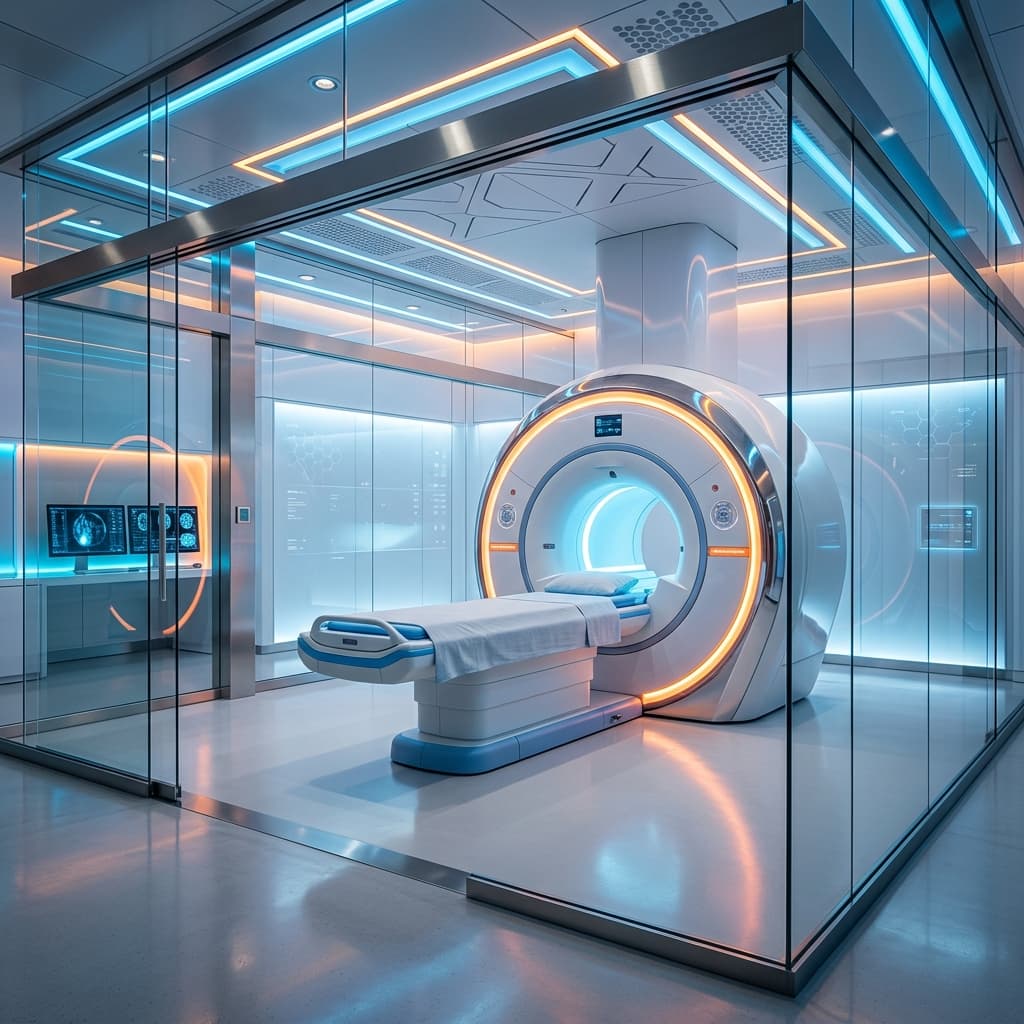
The Imaging Suite
High-Fidelity Diagnostic Center
Institutional Imaging Lifecycle
From modality acquisition to definitive radiologist interpretation.
Modality Sync
MRI/CT/X-Ray equipment status handshake.
Image Capture
Lossless DICOM acquisition and metadata tagging.
PACS Archival
Storage in the encrypted imaging vault.
Radiologist Report
Specialized interpretation and EMR sync.
PACS
Governance
Imaging data is managed via the Picture Archiving and Communication System (PACS), ensuring lossless transfer and multi-institutional consistency.
Technical Architecture
| Field | Type | Institutional Role |
|---|---|---|
| id | UUID | Unique identifier for the imaging report. |
| modality | Varchar(32) | Equipment type (MRI, CT, XR, US). |
| pacs_uid | Varchar(128) | Universal DICOM archival identifier. |
| interpretation | Text | Radiologist's diagnostic findings. |
Note: Data is subject to Enclave AES-256 field-level encryption where applicable.
Governance & Power
radiology:viewdiagnostics:allclinical:viewDICOM Sync Logic
The system utilizes a high-velocity gateway to ingest DICOM files directly from clinical modalities, auto-associating images with the patient's institutional MRN.
Clinical Reporting
Transmission
Images are synced to the radiologist workstation.
Annotation
Key diagnostic findings are tagged in the portal.
Release
Report is finalized and pushed to the patient's EMR.
Critical findings automatically trigger a high-priority 'Emergency Alert' on the referring physician's dashboard.